The Essential Guide to Lift and Shift Cloud Migration
Relocating a corporate headquarters is much easier if you load your current desks directly into a moving truck, rather than pausing operations to order custom-fit furniture. Similarly, housing business software on aging physical servers is a hidden drain on growth. Expiring data center leases regularly force executives into a sudden, expensive panic to find a new home for their critical systems.
Major software overhauls take years that most companies simply do not have. Organizations facing strict deadlines often choose a fast-track shortcut known as a lift and shift cloud migration. Acting as digital photocopying, this strategy moves applications exactly as they are into a modern digital environment. A complete cloud migration happens in a fraction of the time, bypassing risky coding projects while keeping daily operations stable.
Industry data reveals that businesses achieve immediate return on investment by shifting maintenance burdens to high-performance, rented computers over the internet—a foundational model called Infrastructure as a Service (IaaS). Adopting these flexible cloud services instantly eliminates the stress of replacing physical hardware, letting you focus entirely on scaling your business.
The Moving Truck Strategy: How Rehosting Moves Your Apps Without Rewriting Them
Imagine packing up your office and moving every desk, chair, and filing cabinet to a new building across town exactly as they are. When figuring out how to move legacy applications to the cloud—those older, essential software programs your everyday operations rely on—this “as-is” approach is often the safest bet.
Taking an application and moving it without altering a single line of its underlying code is known in the tech world as rehosting. Because you are not taking the software apart to rebuild it, you completely bypass the risk of accidentally breaking critical features during a cloud migration.
This strategy differs from replatforming, where a technical team might make minor structural tweaks before the move, much like swapping out old appliances for energy-efficient ones before moving them into a new house. When weighing rehosting vs replatforming, skipping the time-consuming process of rewriting code means your project can be completed in weeks rather than months or years.
Every day spent rewriting software is a day you are paying for both your old physical servers and your new digital setup. If your primary goal is exiting an expensive data center quickly, you will naturally want to prioritize speed over perfection.
Speed Over Perfection: 3 Reasons to Choose Lift and Shift When Time is Money
When deadlines loom, the best software strategy is often the fastest one. We measure the time required to move a system from an old physical facility to its new digital home as “Time-to-Cloud.” Shrinking this timeline is one of the core benefits of rapid application migration. By moving exactly what you have, you prevent your team from getting trapped in endless, expensive redesigns.
High-pressure situations demand this straightforward approach. Lift and shift stands out as one of the most cost-effective server migration methods when you face these three critical business triggers:
- Lease expirations: You must empty a physical data center before a costly rental contract renews.
- Hardware failures: Aging servers are failing, requiring immediate digital replacements before they crash completely.
- Rapid scaling needs: Your business is growing faster than you can purchase and plug in new physical equipment.
Hitting these deadlines ensures business continuity during workload migration, meaning your daily operations run smoothly while the digital heavy lifting happens behind the scenes. However, fast-tracking a move means bringing old software quirks into a new environment. Before packing the moving truck, you must weigh these speed benefits against the dangers of moving legacy software.
Avoiding the 'Zombie App' Trap: Identifying the Risks of Moving Legacy Software
Moving a broken sofa into a new house doesn’t fix the springs; it just gives you flawed furniture in a nicer room. In technology, we call this carrying over “technical debt”—the accumulated cost of past shortcuts or outdated design in your software. Rapidly moving an old, inefficient system without updates creates a “zombie application.” It consumes expensive cloud resources and runs constantly in the background, yet fails to deliver modern performance.
Evaluating the risks of lift and shift migration requires looking at the alternative. In the lift and shift vs cloud native debate, “cloud native” software is designed specifically to use cloud features efficiently, like automatically powering down when inactive. Lifted apps usually run 24/7, which drives up your monthly bill. Watch for these red flags indicating an application shouldn’t be moved “as-is”:
- It relies on an obsolete, unsupported operating system.
- Its software licenses are strictly tied to physical hardware.
- It already crashes frequently in your current environment.
Minimizing technical debt in cloud transitions demands an honest inventory check before the move begins. You must identify which systems are actually worth keeping. To determine exactly where your software stands, evaluate your infrastructure using a comprehensive readiness checklist.

Your 5-Point Readiness Checklist
Moving your company’s digital systems requires more than a simple switch—it needs a clear roadmap. Before migrating, use a cloud migration assessment checklist to understand what you have and what might be affected.
A simple five-point framework helps non-technical teams prepare:
- Application inventory: List all current software.
- Dependency mapping: Track how systems connect to avoid breaking links.
- Compliance review: Ensure data storage meets legal requirements.
- Skills gap analysis: Check if staff need training for cloud tools.
- Budget buffer: Set aside funds for unexpected post-migration costs, especially in hybrid setups.
This preparation ensures your systems, people, and budget are ready before migration begins, reducing downtime and avoiding surprises.
Want to turn migration into measurable business impact
AWS and Azure Toolkits: How Automation Reduces Server Downtime During the Move
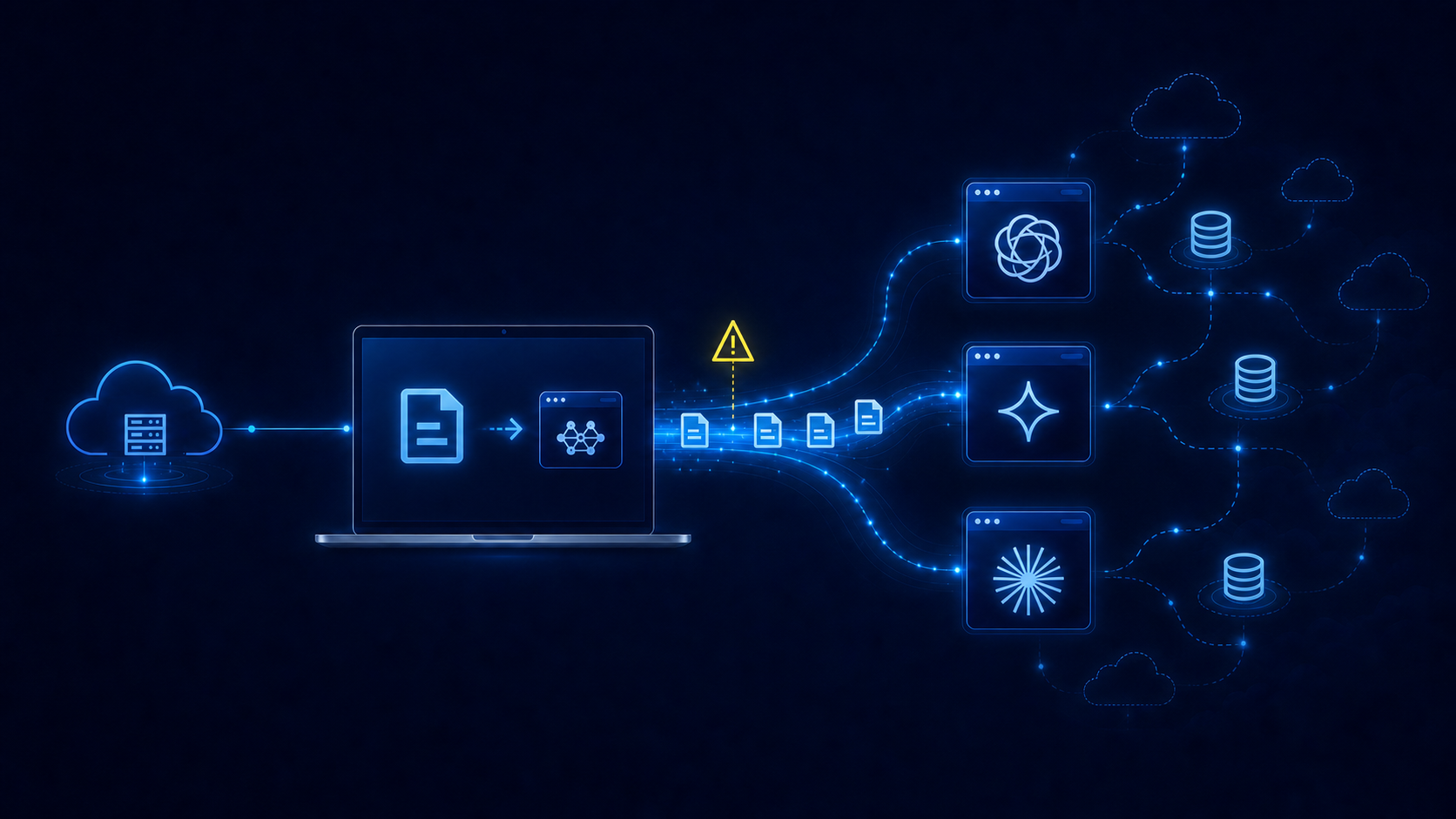
Imagine moving a busy restaurant’s kitchen to a new building while still serving lunch to a packed dining room. In the digital world, shutting down live systems to transfer data causes lost sales and frustrated users. Fortunately, automated synchronization tools act like digital conveyor belts, silently copying your company information in the background without interrupting daily operations.
Amazon handles this exact challenge using the AWS Application Migration Service. Instead of manually transferring files, this automated tool quietly replicates your company’s servers exactly as they are directly into their new environment. Your legacy software remains fully active during the entire copy process, ensuring employees can continue accessing essential applications without noticing any technical changes happening behind the scenes.
Microsoft provides a similar shortcut, allowing organizations to easily utilize Azure Migrate tools and features from one centralized dashboard. By adopting these vendor-provided programs, non-technical project managers can confidently implement strategies through automated synchronization, turning weekend-long system outages into minor, minute-long cutovers. With the heavy lifting finished and your data safely running online, the focus shifts to monthly cost optimization.
From Migration to Optimization: Cutting Monthly Costs Once You’re in the Cloud
At the moment your cloud migration is completed, the real work only begins for many organizations. Often, due to time pressure or the need to quickly decommission data centers, a so-called lift-and-shift approach is used: existing physical server environments are transferred to the cloud almost one-to-one. While this enables a fast migration, it also carries over all the inefficiencies of the legacy setup.
This is exactly where the new financial reality emerges. Many workloads are deliberately overprovisioned to handle rare traffic spikes, which results in ongoing costs based on peak capacity. In the cloud, this quickly leads to so-called “bill shock”: unexpectedly high monthly invoices for resources that remain largely unused. In some organizations, these additional costs are temporarily offset through mechanisms such as MAP funding (Migration Acceleration Program funding) — incentive or discount programs offered by cloud providers to support the transition phase. However, this financing does not replace optimization; it merely buys time to implement the necessary improvements.
The key insight is this: a lift-and-shift migration alone does not deliver sustainable cost benefits. Only systematic optimization measures unlock the economic value of the cloud. These include several complementary strategies:
- Right-sizing: consistently aligning overprovisioned resources with actual demand
- Retire: fully shutting down applications and servers that are no longer needed
- Replatform: moving workloads to modern managed services to simplify operations and scaling
- Refactor: fundamentally redesigning applications architecturally, for example by transforming them into serverless architectures, which often delivers the greatest savings and scalability benefits
These measures go well beyond simple optimizations. While right-sizing only adjusts existing resources, replatforming and especially refactoring create structural cost advantages by rethinking applications in a cloud-native way.
Typical first steps, such as shutting down unused servers, moving infrequently accessed data to cheaper storage tiers, or scheduling internal systems to pause over weekends, are important — but they only address the surface level. The largest savings are achieved when applications themselves are modernized and no longer replicate traditional data center logic in the cloud.
Before the project is considered complete, automated budget and cost alerts should also be implemented to detect and control spending spikes early. These financial safeguards are essential for maintaining long-term cloud stability.
When cost control and architectural improvements work together, a structured 90-day cloud roadmap can be established, turning a simple migration into a true optimization phase.
Your 90-Day Cloud Roadmap: Transitioning from Physical Hardware to Digital Agility
Relocating servers can initially feel like an impossible hurdle. Now, you possess the blueprint to confidently direct this transition. Over the next 90 days, champion a low-risk cloud migration. In month one, identify a single non-critical application. By month two, replicate it exactly as it is, maintaining consistent operations. During the third month, test thoroughly before flipping the switch.
This strategy prioritizes rapid momentum over immediate perfection. You are securing a scalable foundation quickly without rewriting software. Once applications settle into their new environment, you can gradually optimize for long-term efficiency. You don’t necessarily need a deep engineering background to start this transformation; you simply need a structured plan to confidently take your organization’s first step into the cloud.